

Appearance
Main 404
This guide describes setting up the Main 404 section.
Use the section to customize what’s displayed on your store's 404 page. The page displays when a visitor follows a link to a store page that cannot be found. Refer to Shopify partners blog: How to craft the best 404 pages for your clients.
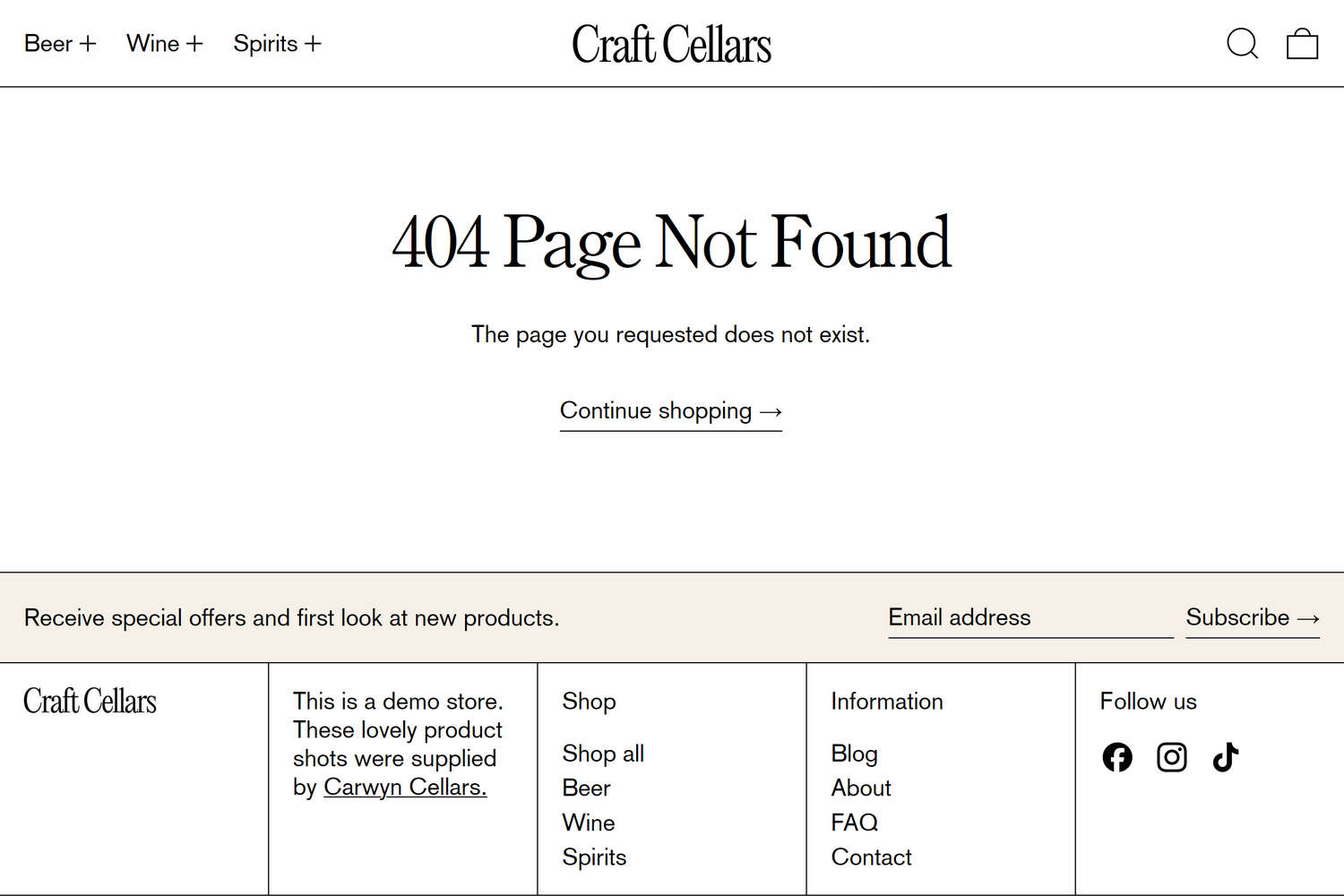
The previous image shows a Main 404 section on a store's 404 page. In Theme editor, the section's menu options are set to their default settings.
For general guidance with modifying sections, refer to Sections overview and Shopify help: Sections and blocks.
Set up a Main 404 section
To set up a Main 404 section:
In Theme editor, at the top of the page, use the theme templates dropdown menu to select Others > 404 page.
Note
The section is available only on 404 pages.
From the side menu, select Main 404.
Select a setting described in the following table.
| Setting name | Description |
|---|---|
| Edit text (link) | Follow the Edit text link to open the Language editor page in your Shopify admin. Use the page's settings to edit the default theme text displayed on your store's 404 page. To learn how to change the default theme text, refer to Shopify help: Change the default wording in your theme. |
| Custom CSS | Select Custom CSS. In the CSS field, enter custom CSS styles to apply only to the current section. Refer to Shopify help: Add custom CSS. To apply custom styles to your entire online store, refer to Theme settings > Custom CSS. |