

Appearance
Collapsible tabs
This guide describes the Theme editor's Theme settings > Collapsible tabs menu options.
Use the options to specify how collapsible tabs are displayed throughout your store.
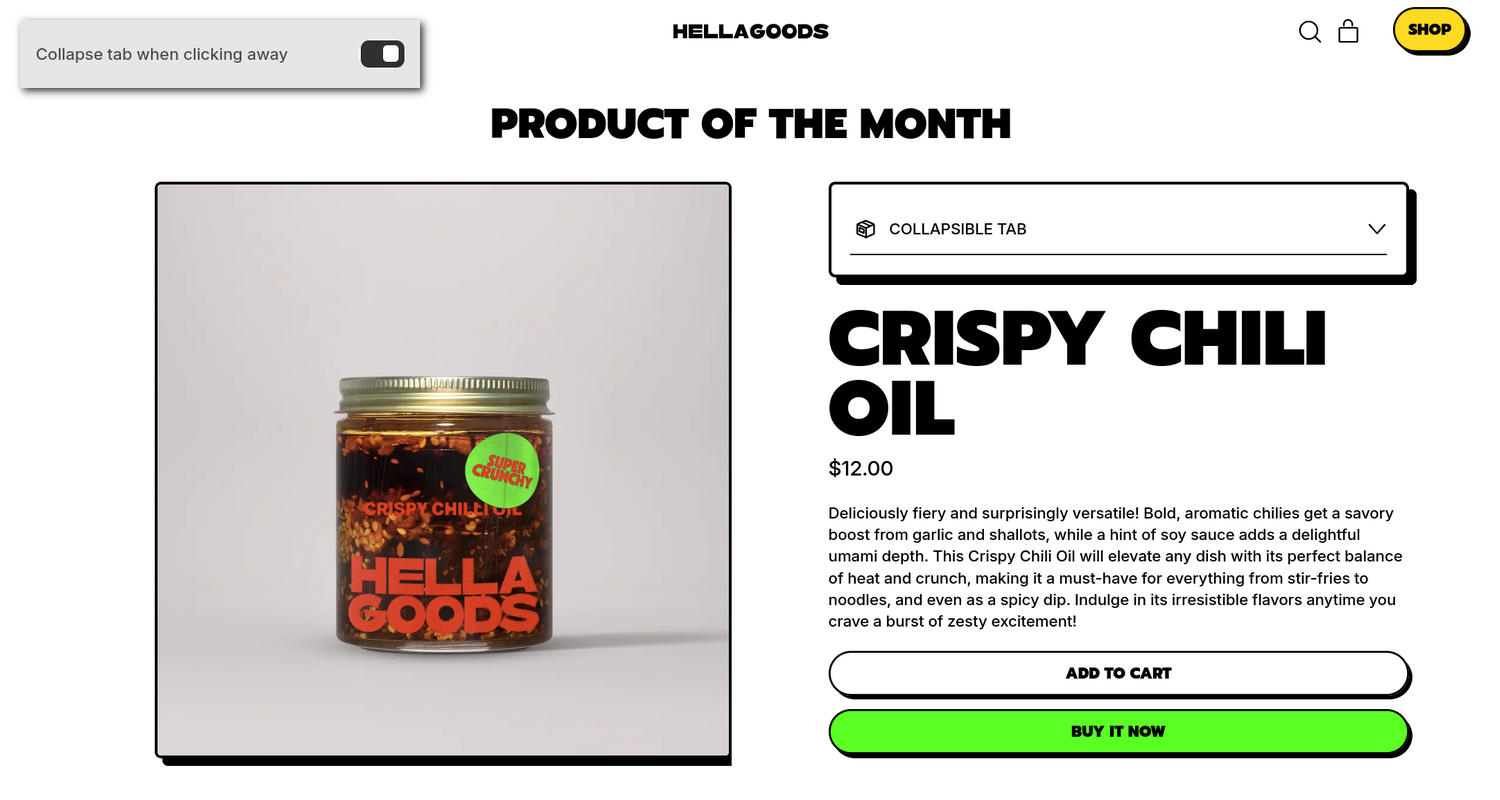
The previous image shows a Featured product section with a Collapsible tabs block on a store's home page. In the upper left, part of the Theme editor's Theme settings > Collapsible tabs menu is displayed. The menu's Collapse tab when clicking away option is enabled. With this option enabled, an open collapsible tab closes automatically when the user clicks anywhere outside the tab's content area. For example, if a customer opens the tab in the Featured product section and then clicks the page background, the tab closes automatically.
For general guidance with adjusting a theme setting, refer to Settings overview and Shopify help: Theme settings.
Set up Collapsible tabs
To set up Collapsible tabs:
In the Theme editor, go to Theme settings > Collapsible tabs.
Select a setting described in the following table.
| Setting name | Description |
|---|---|
| Collapse tab when clicking away | Use the Collapse tab when clicking away option to turn on or off automatic tab collapsing. When enabled in a supported section, an open collapsible tab closes automatically when the user clicks anywhere outside the tab's content area. When disabled (default), an open tab remains expanded until the user clicks its heading to close it manually. |
Note
To connect a metafield to a setting that supports metafields, select the Connect dynamic source icon displayed beside the setting in the Theme editor.
To learn how to connect a metafield to a supported setting, refer to Shopify help: Connecting metafields to your theme by using the Theme editor.