

Appearance
Logo
This guide describes the Theme editor's Theme settings > Logo menu options.
Use the menu to set up an image as your store's logo. Refer to Shopify help: Logo.
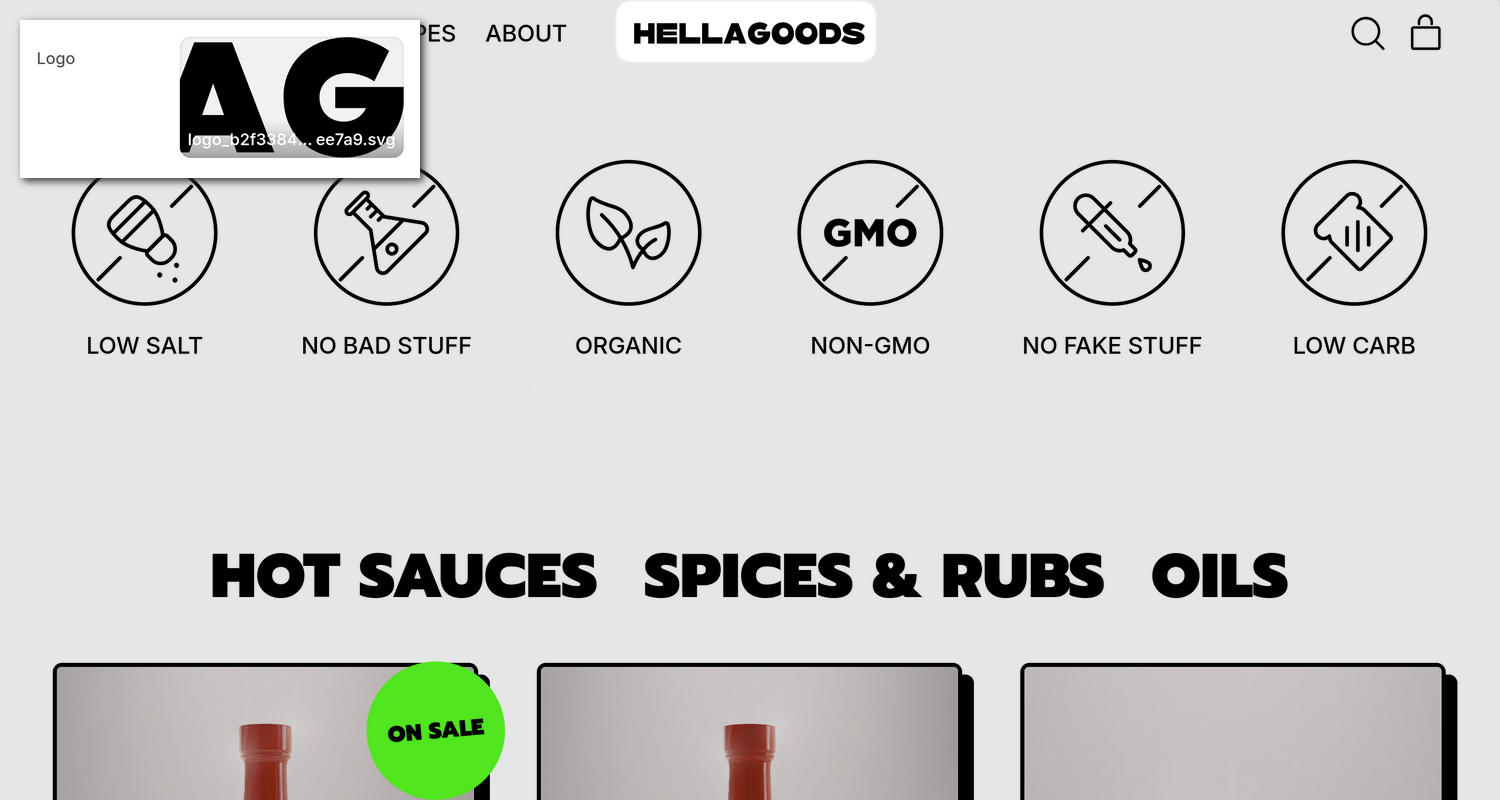
The previous image shows a store's home page. In the upper left, part of the Theme editor's Theme settings > Logo menu is displayed. The menu's Logo picker contains an image with the text HELLA GOODS used as the store's primary logo. In the upper center area of the Header section, the image is displayed as the store's logo.
For general guidance with adjusting a theme setting, refer to Settings overview and Shopify help: Theme settings.
Set up a logo
To set up a logo:
In the Theme editor, go to Theme settings > Logo.
Select a setting described in the following table.
| Setting name | Description |
|---|---|
| Logo | Use the Logo picker to select an image to display as your store's primary logo. An SVG image, or an image of 2400 x 900 pixels, is recommended. Refer to Add, replace or remove an image or video inside a section or block. |
Note
To connect a metafield to a setting that supports metafields, select the Connect dynamic source icon displayed beside the setting in the Theme editor.
To learn how to connect a metafield to a supported setting, refer to Shopify help: Connecting metafields to your theme by using the Theme editor.